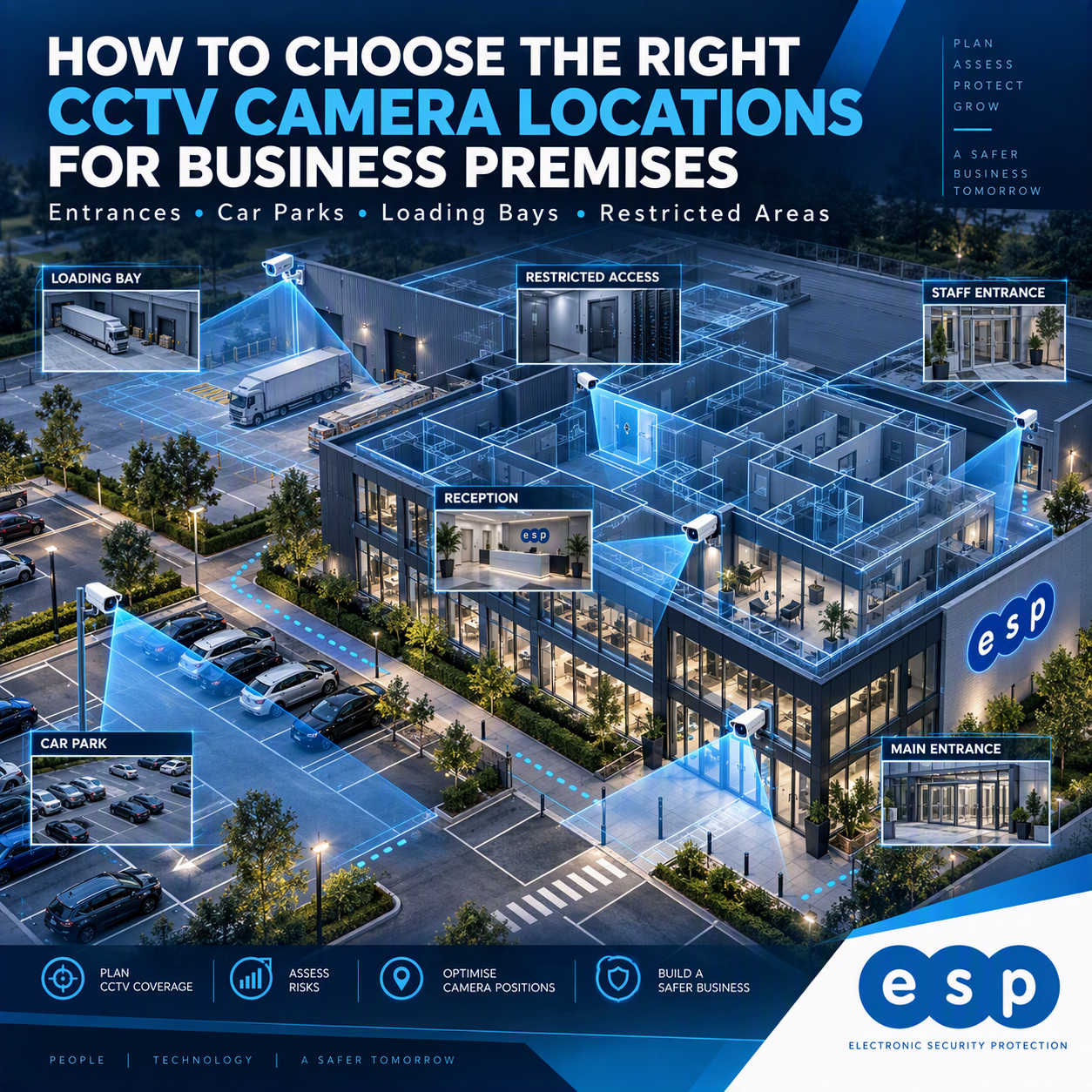
The best CCTV camera locations are where footage will help your business identify people, understand incidents and protect important areas. For many commercial premises, these include main entrances, staff doors, tills, stockrooms, loading bays, car parks, yards and restricted access points.
However, more cameras do not automatically mean better security. You need the right view, useful image detail, suitable lighting and recording that can be retrieved when required. Electronic Security Protection helps businesses plan commercial CCTV around these practical requirements.
Start With the Questions Your CCTV Must Answer
Before choosing locations, ask what you would need to establish after an incident. Was someone entering without permission? Which vehicle arrived? Did a delivery reach the right bay? Where did an item go missing? A camera should have a defined purpose rather than simply filling an empty space on a plan. Whilst on the subject of a plan, a really helpful part of planning for this would be a floor plan or map of the site – it will really help you to visualize how things are covered currently and what you would prefer it to look like.
Map Risk, Movement and Assets
Walk the premises and mark entrances, exits, corridors, sales counters, stockrooms, parking areas and areas containing valuable equipment. Note how people move during opening hours, deliveries and overnight periods. Check whether racking, vehicles or doors could obstruct the view.
Prioritise High-Value Views
Where budgets are limited, concentrate on cameras that answer a clear question. A well-positioned view of the stockroom entrance may provide more useful evidence than several wide shots of shelves.
Decide Between Overview and Identification
An overview camera shows activity across a space. An identification-focused camera aims to capture useful detail where a person is likely to pass. One camera may not do both jobs successfully, especially over long distances.
What You Should Ask the Installer
Ask to see the intended field of view for each location and what the recorded image is expected to show. Avoid choosing cameras solely by resolution or a headline megapixel figure.
Where Should CCTV Cameras Go Inside a Business?
Main Entrances and Reception
Entrances usually deserve priority because they are natural points of movement. Position cameras to show people approaching or entering, while avoiding views directly into strong daylight where faces become silhouettes. Reception may need a separate, wider view for visitor movements or incidents.
Capture The Approach, Not Just the Door
A camera aimed only at the door can miss what happened immediately beforehand. Check that the approach route is visible without unnecessarily filming public areas or neighbouring premises.
Staff Entrances, Stockrooms and Restricted Areas
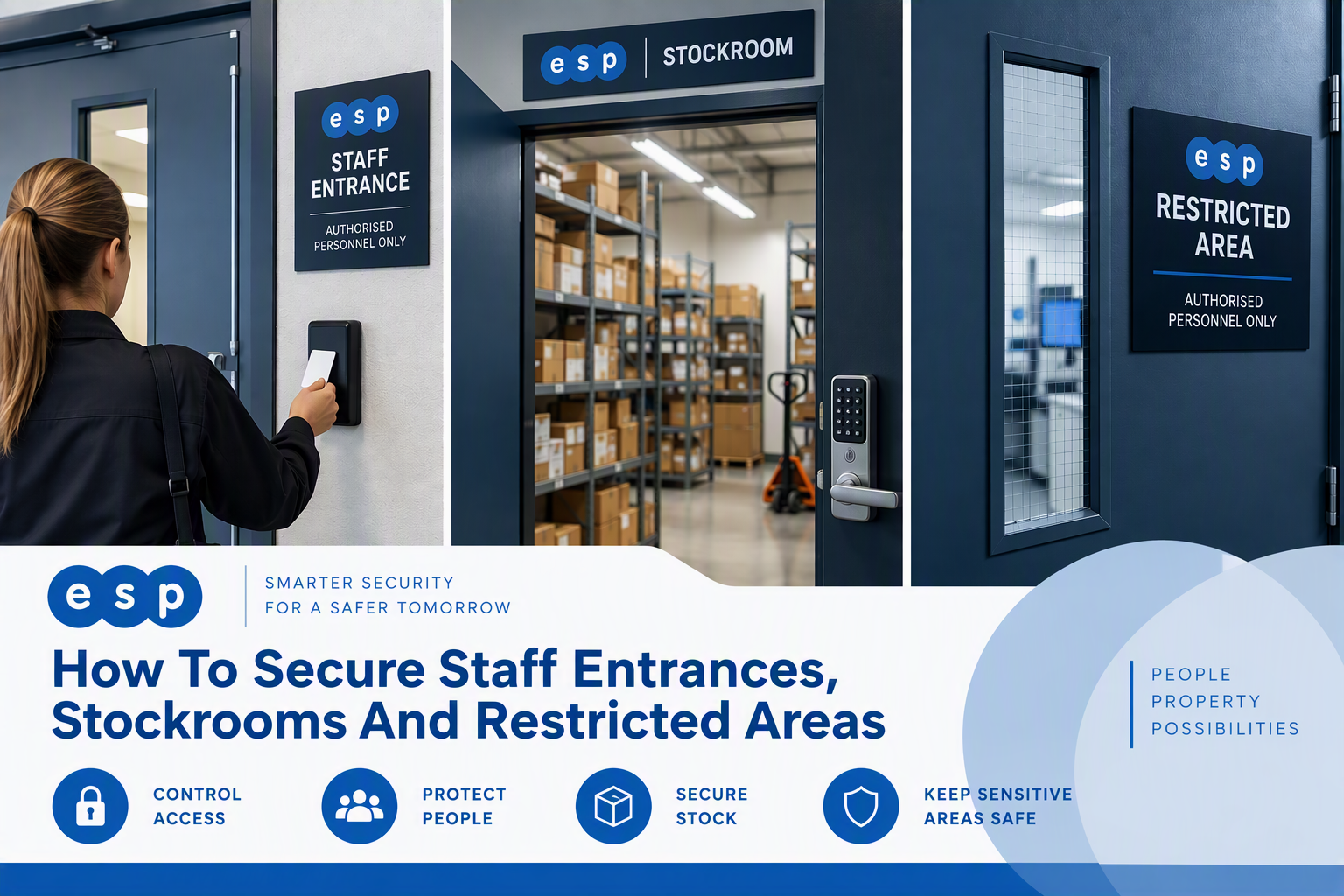
Rear doors, staff entrances and stockroom access points are sometimes less visible than the main entrance. A focused camera on the doorway can help establish who entered and when. For controlled areas, access control systems may complement footage with records of authorised door use.
When CCTV And Access Control Work Together
A door event and nearby camera footage can provide a fuller picture, but only where the equipment and configuration support it. See the related guide on planning CCTV and access control together.
Tills, Counters and Customer-Facing Spaces
Position cameras where they can help clarify disputes or security incidents without recording more of customers and staff than necessary. Think carefully about reflections, screens, payment areas and whether a broad view would be excessive.
How Should CCTV Cover Car Parks, Yards and Loading Bays?
External coverage is complicated by distance, weather, changing light, vehicles and moving obstructions. A wide camera may show that a vehicle entered the site while failing to capture its registration clearly. Discuss identification requirements separately from general monitoring.
Car Park Entrances and Pedestrian Routes
Start with entry and exit routes, then consider pedestrian paths, payment areas and the wider parking layout. Dedicated number-plate capture is a separate requirement and should not be assumed from a standard overview camera. For more context, see the existing CCTV for car parks guide.
Vehicle And Pedestrian Safety
Camera placement must not obstruct movement or replace physical safety measures. The HSE guidance on separating pedestrians and vehicles provides useful context when reviewing yards and routes around a building.
Loading Bays and Goods-In Areas
Look at the areas where vehicles arrive, deliveries are unloaded and stock passes into the building. Test whether roller shutters, parked lorries, pallets or temporary storage will block a camera. One camera may show the wider bay while another provides detail at the goods-in doorway.
Check The View During Real Deliveries
Inspect footage while the site is being used, not only when the loading bay is empty. A camera that looks excellent on a quiet afternoon may be obscured during a busy delivery period.
What Height, Angle and Lighting Work Best?
There is no single mounting height or camera model that suits every location. A very high camera may be harder to interfere with but less useful for identifying faces. A lower camera can capture more detail but may need additional protection against damage.
Daylight, Glare and Night-Time Footage
Check the view at different times. Bright windows can create silhouettes, external lights can cause glare, and rain or darkness can reduce usable detail. Camera positioning, lighting and suitable equipment need to be considered together.
Test Recorded Footage Before Sign-Off
Ask to see actual playback, including low-light conditions, rather than relying only on a live monitor. Confirm that the footage is clear enough for its intended purpose.
How Many CCTV Cameras Does a Business Need?
The answer depends on risks, sightlines and the level of detail required, not simply floor area. Two similarly sized warehouses may have very different needs if one has several loading bays, an outside yard and multiple staff entrances. Use your floorplan or site map to help you to better understand this point.
When Fewer Cameras May Be Better
Repositioning an existing camera, improving the lighting or adjusting its field of view may solve a gap without new equipment. Where current CCTV is already installed, read how to improve CCTV coverage without replacing the whole system.
The Trade-Off Between Cost and Detail
Covering a very large area with one camera can reduce equipment and installation costs, but may also reduce detail. Splitting coverage across suitable positions usually increases cable runs, hardware and storage requirements. The sensible solution is the one that meets the actual security purpose.
What Affects CCTV Installation Costs?
Costs vary with the number and type of cameras, mounting access, indoor or outdoor work, cabling routes, network switches, recorder capacity and installation disruption. An accurate quotation should explain what is included, what existing infrastructure can be reused and whether any future support costs apply.
Questions To Ask About a Quote
Ask what each camera is intended to capture, whether night-time testing is included, what storage period has been allowed for and whether you will receive a clear camera-location plan. Do not assume the cheapest camera count will produce the best evidence.
Plan Data Cabling and Recording Before Fixing Locations
A good location is not practical if power or network connectivity cannot reach it safely. Modern IP cameras commonly use structured network cabling and may receive power through compatible network equipment. External routes and separate buildings need additional planning. Again, use your site map or floor plan to assist here.
Consider The Full Installation Route
Check the proposed cable route, cabinet position, switching capacity, recorder location and access for maintenance. Electronic Security Protection provides commercial data cabling to support CCTV and other connected equipment.
Remote Buildings and Yard Cameras
Where direct cabling is difficult, a point-to-point wireless link may be an option after assessing distance, line of sight and reliability requirements.
What Are the CCTV Privacy And Signage Rules?
CCTV that records identifiable people engages data protection responsibilities. Define the purpose, minimise unnecessary capture, control access to recordings and agree an appropriate retention period. The ICO’s CCTV guidance for organisations specifically addresses camera angles, image usefulness and visible signage.
Avoid Unnecessary Recording
Review whether cameras capture neighbouring properties, unrelated public areas or spaces where privacy expectations are higher. Adjust the view or use appropriate masking where necessary. The related CCTV legal requirements guide offers further background.
Who Should Access Footage?
Limit viewing and export permissions to authorised people. Connected recorders and remote apps also need secure configuration; the NCSC guidance on protecting devices covers updates and default passwords.
CCTV Camera Location Checklist
- Identify the incidents or activities the system should help investigate.
- Map entrances, stockrooms, tills, loading bays, yards and parking routes.
- Decide whether each camera needs overview or identification detail.
- Review angles, obstructions and footage in daylight and darkness.
- Check power, cabling, network capacity and recording arrangements.
- Consider privacy, signage, authorised access and footage retention.
- Ask for camera-position plans, playback tests and a clear quotation.
Discuss CCTV Camera Positions with Electronic Security Protection
Effective CCTV starts with deciding what you need to see, then choosing positions and infrastructure to achieve it. Electronic Security Protection can discuss the coverage, installation requirements and options for your commercial site. Call 0330 2020101 or contact the team to request a quotation for your business premises.