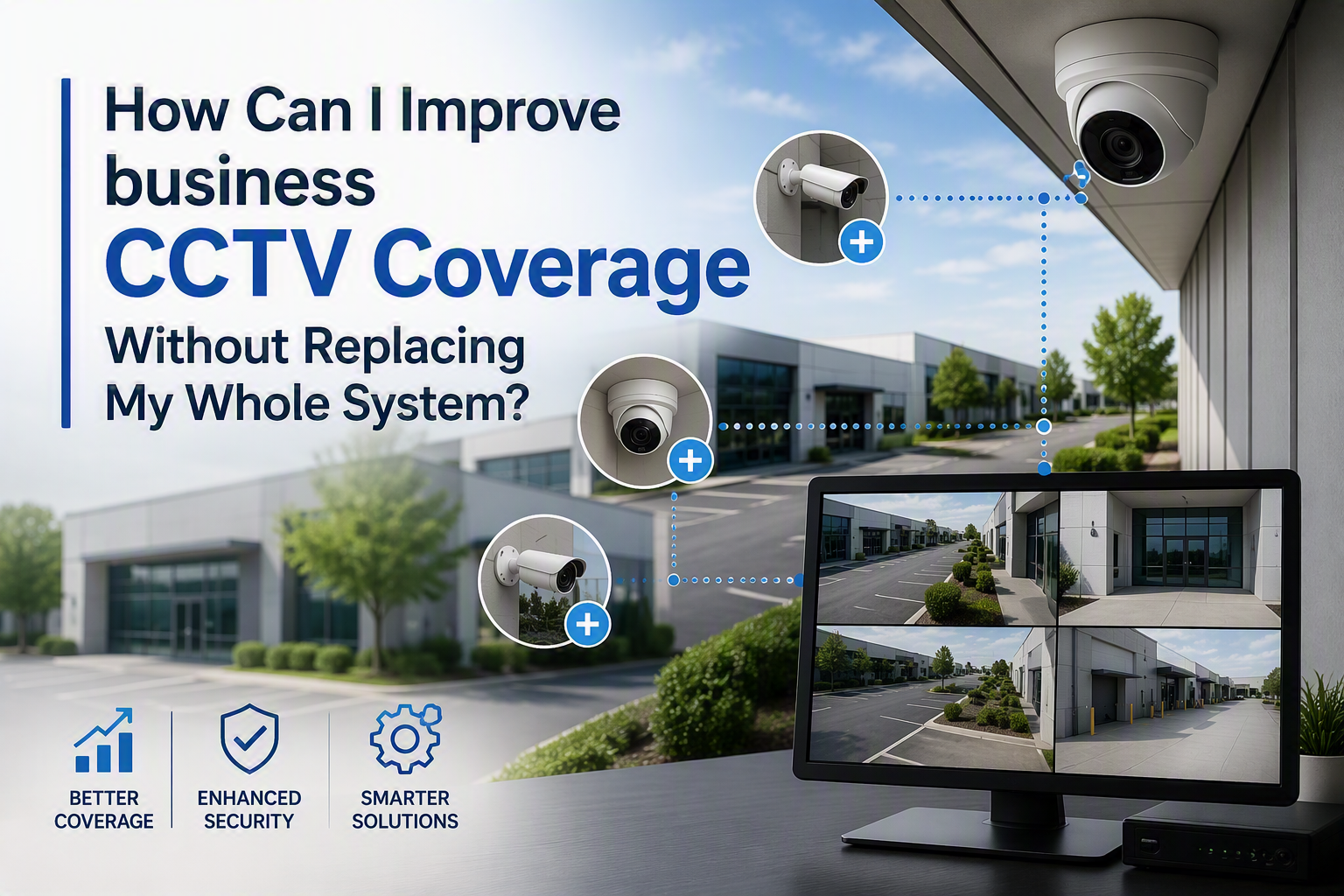
You can often improve CCTV coverage without replacing the whole system by reviewing camera positions, checking image quality, testing the recorder, improving lighting, reusing suitable cabling and adding targeted cameras only where clear gaps remain.
That is the direct answer. A full replacement may be needed if the equipment is unsupported, the cabling has failed or the system cannot produce usable footage. However, many businesses can get better coverage from their existing CCTV by fixing blind spots, repositioning cameras and planning upgrades in stages.
Electronic Security Protection helps businesses review, improve and install commercial CCTV and the supporting infrastructure behind it.
Start With A Practical CCTV Coverage Review
Before buying new cameras, walk the site and compare what the cameras see with what the business actually needs to protect. Look at entrances, staff doors, reception areas, stockrooms, yards, car parks, loading bays, tills, workshops and any restricted areas.
What Should You Check First?
For each camera, ask whether the footage would be useful after an incident. Can you see entrances, loading bays, vehicles, stockroom doors and other key areas clearly enough?
Daytime Footage
Check whether people, vehicles and important activity areas are visible during normal opening hours. A camera may appear to cover the right area, but still be too far away, too high or angled incorrectly to provide useful detail.
Night-Time Footage
Review the same views after dark. A camera that performs well during the day may struggle with poor lighting, glare, shadows, reflective surfaces or weak night vision.
Check Whether The Problem Is Coverage Or Image Quality
Some CCTV problems are caused by missing views. Others are caused by poor footage. The solution depends on which issue you have.
Coverage Problems
A coverage problem means the camera does not see the right area. This may happen when a new racking layout, desk move, partition wall, sign, parked vehicle or stock area blocks the original view. In those cases, repositioning the camera may be enough.
Image Quality Problems
An image quality problem means the camera sees the right area but the footage is not useful. Common causes include dirty lenses, poor focus, low resolution, glare, backlighting, faulty housings, weak night vision or a recorder that is not set up correctly.
Reposition Existing Cameras Before Replacing Them
Camera placement often matters more than camera quantity. A camera fixed too high, too far away or at the wrong angle may record movement without capturing useful detail. If you have PTZ (Pan Tilt Zoom) cameras that can move their focus, then think about how you can use this to your advantage (either set it in patrol mode or find a way to trigger it to point to where you want).
Where Should Cameras Be Pointed?
Where possible, aim cameras at approach routes, entrances and activity zones rather than empty space. A camera covering the route to a staff entrance may be more useful than one looking only at the door once someone has already entered. Again, think about PTZ Cameras in this area.
Useful Areas To Review
- Main entrances and staff doors
- Stockroom doors and restricted areas
- Loading bays and delivery areas
- Yards, gates and car parks
- Reception areas and visitor routes
- Tills, trade counters or customer-facing areas
Repositioning may help with blind spots around stockrooms, loading bays, yard gates, reception areas and car parks. It can also reduce wasted overlap where two cameras are watching the same low-risk area.
Improve Lighting Around Key Areas
CCTV performance depends heavily on lighting. Poor lighting can make footage grainy, dark or difficult to use. Strong backlighting can turn people into silhouettes, especially around bright entrances or roller shutter doors.
External Lighting
Review lighting around entrances, yards, car parks, pedestrian routes and loading bays. Good lighting can improve footage quality and help staff and visitors move safely around the site.
Lighting Near Vehicle Areas
Where CCTV covers vehicle areas, safety needs to be considered as well as security. HSE guidance on loading areas highlights the importance of enough space for vehicles to move safely and for people to move around vehicles without being trapped.
Test The Recorder, Storage And Playback
A CCTV system is only useful if footage is being recorded and can be retrieved when needed. Check that the recorder works, the time and date are correct, storage is sufficient and footage plays back without errors.
Playback Checks
Do not assume the system is recording properly just because cameras appear on screen. Test playback from different cameras and different times of day. Check whether the footage is clear enough to support an investigation if something happens.
Retention Settings
Retention should also be reviewed so footage is kept long enough for the business purpose, but not longer than necessary (in accordance with GDPR guidance).
Reuse Suitable Cabling Where Possible
Improving CCTV coverage does not always mean rewiring the whole building. Existing cabling may be reusable if it is in good condition and suitable for the upgraded equipment.
When Existing Cabling May Be Useful
If cable routes are already in the right place and the cabling tests properly, it may be possible to reuse some of the existing infrastructure. This can reduce disruption and make a staged upgrade more practical.
When New Cabling May Be Needed
For modern IP CCTV, structured cabling and network switches may be required. Electronic Security Protection provides data cabling for commercial premises, including Cat5e, Cat6, Cat6A and fibre optic cabling where required.
Planning cabling properly matters because cameras, recorders, switches, wireless access points and access control equipment may all depend on the same network infrastructure.
Add Targeted Cameras Where Gaps Remain
After repositioning and testing existing equipment, some gaps may still need an additional camera. This is usually more cost-effective than replacing every camera at once. Also think about using PTZ cameras on patrol mode to cover unmonitored areas if you have these in your setup.
Which Areas Should Be Prioritised?
Priority areas often include main entrances, staff doors, loading bays, yards, car parks, stockrooms, till points, trade counters and restricted internal spaces. The right choice depends on what you need the camera to prove or monitor.
High-Risk Areas
High-risk areas may need clearer footage, better angles or additional cameras because they are linked to stock, vehicles, staff safety, restricted access or out-of-hours activity.
Low-Value Views
Some existing cameras may be watching areas that no longer matter. Reallocating budget and camera coverage away from low-value views can improve the overall system without replacing everything.
Electronic Security Protection supplies and installs business CCTV systems for commercial premises, including IP cameras, network video recorders, remote viewing and camera options suitable for different indoor and outdoor areas.
Think About Car Parks, Yards And External Boundaries
Car parks, yards and external boundaries are often where coverage gaps become obvious. They may have poor lighting, long distances, parked vehicles, moving traffic and changing activity throughout the day.
Why External Areas Need A Different Approach
A camera that works well for a doorway may not be suitable for a wider yard. External cameras may need different positioning, weather protection, night performance and network planning.
For more detail, see Electronic Security Protection’s guide to CCTV for car parks.
Plan CCTV With Access Control
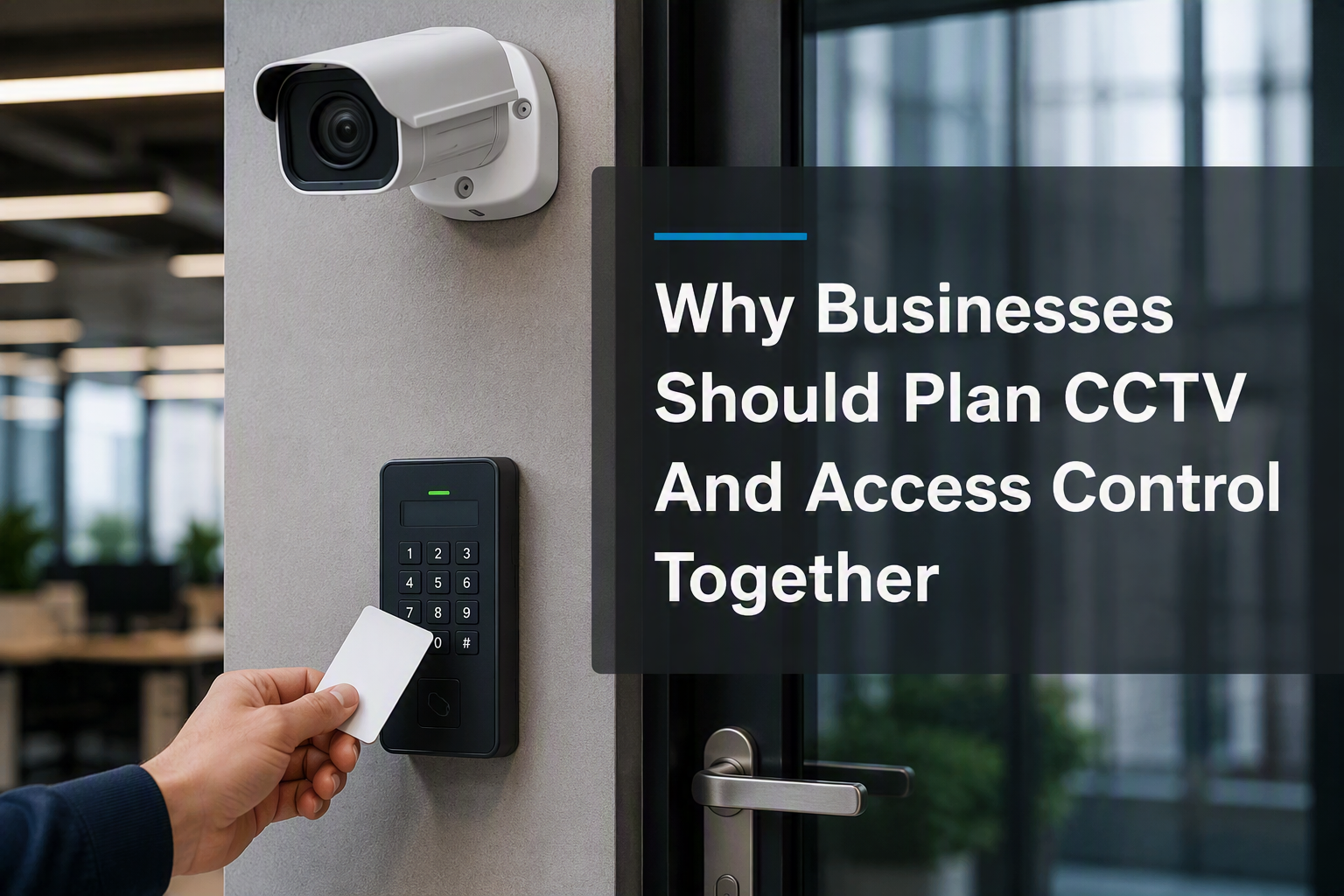
CCTV works harder when it supports the rest of the security system. Access control can show that a door was used at a certain time; CCTV can help show what happened around that door.
Controlled Doors And Restricted Areas
This is useful for staff entrances, stockrooms, offices, server rooms, plant rooms and restricted areas. If a fob is used out of hours, nearby footage can help confirm whether the authorised person entered alone, whether someone followed them, or whether the door was left open.
If access control is part of the wider project, review camera positions around controlled doors. Electronic Security Protection also installs access control systems for commercial premises.
Review CCTV Compliance And Signage
Better CCTV coverage should still be proportionate and responsible. If cameras capture identifiable people, data protection responsibilities may apply. Businesses should think about why cameras are needed, where they are positioned, how long footage is kept and who can access recordings.
Use CCTV For A Clear Purpose
The ICO provides guidance for organisations using CCTV and video surveillance. It explains that surveillance should be assessed, managed and explained rather than installed without a clear purpose.
Check Existing Legal Guidance
Electronic Security Protection has also published a guide to CCTV legal requirements, which can help businesses think through signage, privacy and responsible use.
Keep Connected CCTV Equipment Secure
Many modern CCTV systems are connected to networks, apps and remote viewing platforms. This makes security settings important. Default passwords, outdated software and poorly controlled remote access can create unnecessary risk.
Passwords And Updates
The NCSC advises organisations to change default passwords and keep devices updated. That principle applies to cameras, recorders and other connected security equipment.
Network Separation
When improving a CCTV system, check admin access, passwords, updates and whether security devices should be separated from guest Wi-Fi or general network traffic.
When A Full CCTV Replacement May Be Better
A full replacement may be the better option if cameras are too old to support, the recorder is unreliable, footage is consistently unusable, remote access is insecure or the system cannot be expanded sensibly.
Common Replacement Triggers
- The recorder is unreliable or unsupported
- Footage is consistently too poor to use
- The system cannot be expanded sensibly
- Remote access is insecure or difficult to manage
- The premises layout has changed significantly
Replacement may also make sense after a major refurbishment, change of premises layout, new compliance requirement or significant change in how the site is used.
CCTV Improvement Checklist
- Map every existing camera and what it currently covers
- Check entrances, staff doors, stockrooms, yards and loading bays
- Review footage in daylight and after dark
- Clean lenses and check housings, focus and glare
- Test recording, storage, playback and timestamps
- Reposition cameras before buying replacements
- Reuse suitable cabling where possible
- Add targeted cameras only where genuine gaps remain
- Check signage, retention and access to footage
- Update passwords and software on connected equipment
CCTV Coverage FAQs
Can CCTV coverage be improved without replacing every camera?
Yes. Many businesses can improve coverage by repositioning cameras, cleaning lenses, adjusting settings, improving lighting, testing the recorder and adding targeted cameras only where gaps remain.
What are the most important areas for business CCTV?
Important areas often include entrances, staff doors, reception, stockrooms, tills, loading bays, yards, car parks and external boundaries. The exact priorities depend on the site risks.
Should CCTV cameras be moved or replaced?
If the camera still produces useful footage, moving it may solve the problem. If the image quality is poor, the camera is unsupported or the system cannot meet the site’s needs, replacement may be better. Again, think about PTZ Cameras to fill in the missing gaps.
Does CCTV need data cabling?
Many modern IP CCTV systems rely on structured cabling, switches and network cabinets. Planning the cabling properly can make the system more reliable and easier to support.
Can Electronic Security Protection review an existing CCTV system?
Yes. Electronic Security Protection can review existing CCTV coverage and help plan upgrades, additional cameras, cabling and supporting network infrastructure.
Talk To Electronic Security Protection About CCTV Coverage
Improving CCTV coverage is not always about replacing everything. In many cases, better camera placement, clearer footage, reliable recording, suitable cabling and targeted upgrades can make the existing system much more useful.
Call 0330 2020118 or contact Electronic Security Protection to discuss your current CCTV system and request a quotation.