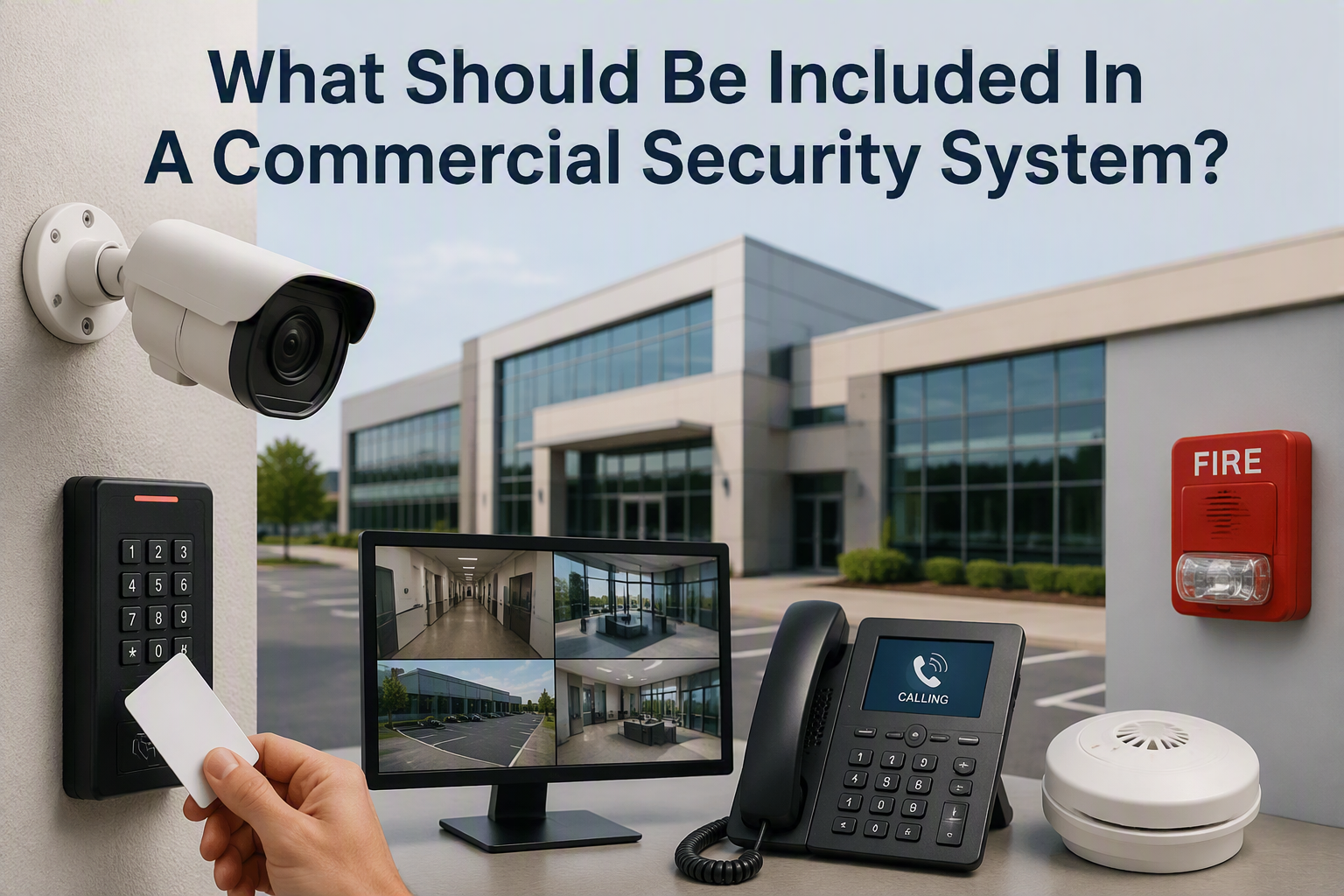
A commercial security system should include the right mix of risk assessment, CCTV, access control, intruder detection, secure doors, perimeter protection, lighting, data cabling, network equipment, monitoring, maintenance and clear staff procedures. The exact setup depends on the building, the business risks and how people use the premises day to day.
That is the direct answer. A small office, retail unit, warehouse, workshop and multi-site organisation will not all need the same system. The best commercial security setup is not the one with the most equipment. It is the one designed around the areas you need to protect, the people who need access and the incidents you most need to prevent.
Electronic Security Protection helps businesses plan practical security and infrastructure around real premises, including CCTV, access control, data cabling, wireless links and supporting network equipment.
Start With A Site Security Review
Before choosing cameras, locks or door readers, start with a review of the premises. Walk the site and map entrances, exits, staff doors, reception areas, stockrooms, offices, loading bays, yards, car parks and any restricted spaces.
Then identify what needs protecting. This may include staff, visitors, stock, vehicles, tools, IT equipment, cash, records, customer data and business-critical systems. A documented review helps you decide which areas need stronger control and which areas simply need better visibility or clearer procedures.
Commercial CCTV Systems
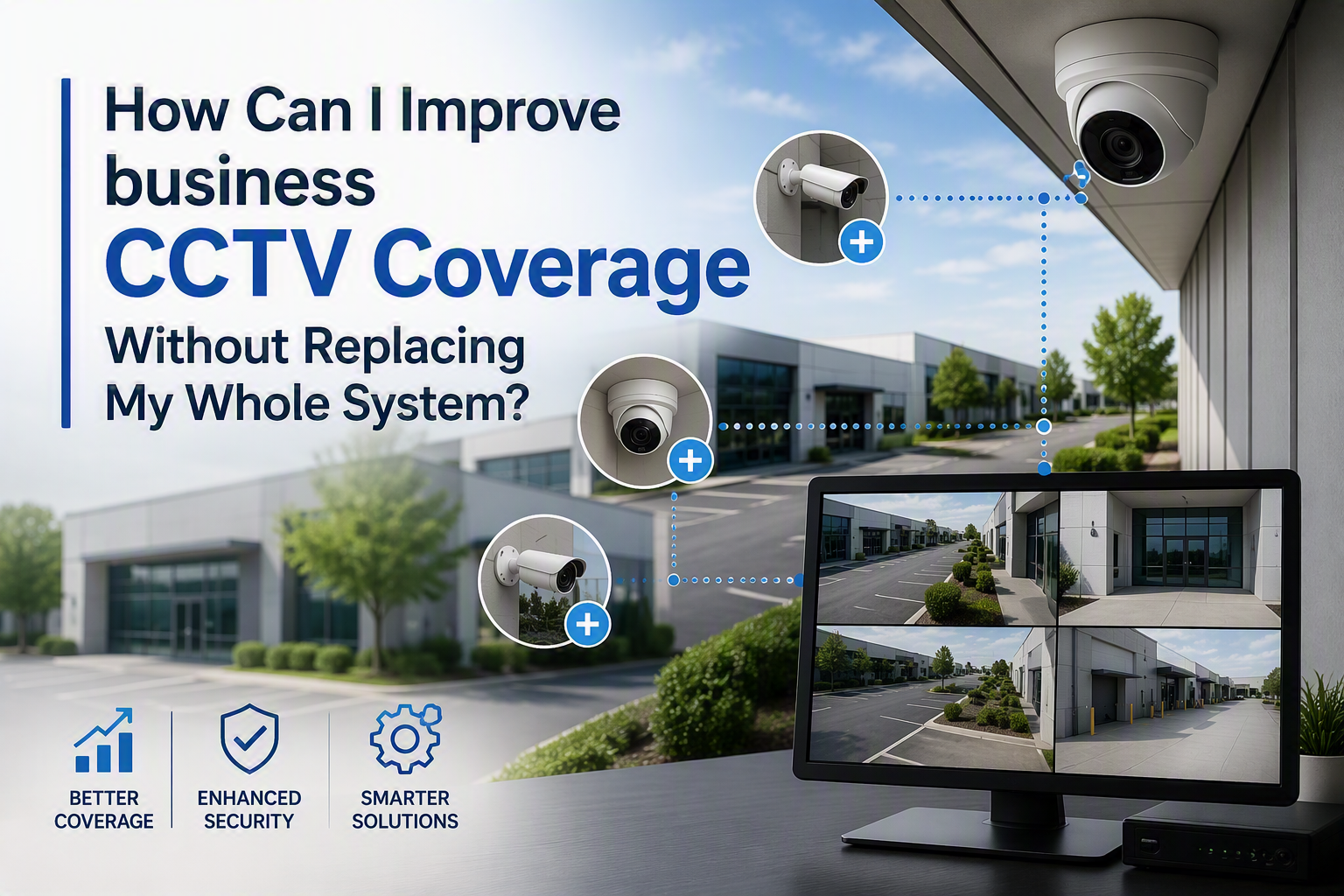
CCTV is often one of the most visible parts of a commercial security system. It can help monitor entrances, reception areas, stockrooms, tills, yards, loading bays, car parks and external boundaries.
Electronic Security Protection supplies and installs commercial CCTV systems for businesses, primarily using Hikvision equipment. Options may include IP dome cameras, bullet cameras, PTZ cameras, night vision, remote viewing, network video recorders and motion alerts.
Camera placement should be planned around the areas where footage will be useful. A camera should not just be easy to install; it should help identify what happened, where it happened and who was nearby. Lighting, camera angle, height, field of view and recording quality all affect whether footage is useful after an incident.
If CCTV captures identifiable people, UK data protection responsibilities may apply. The ICO provides guidance for organisations using CCTV and video surveillance, including the need to assess, manage and explain surveillance use responsibly.
Access Control For Doors And Restricted Areas
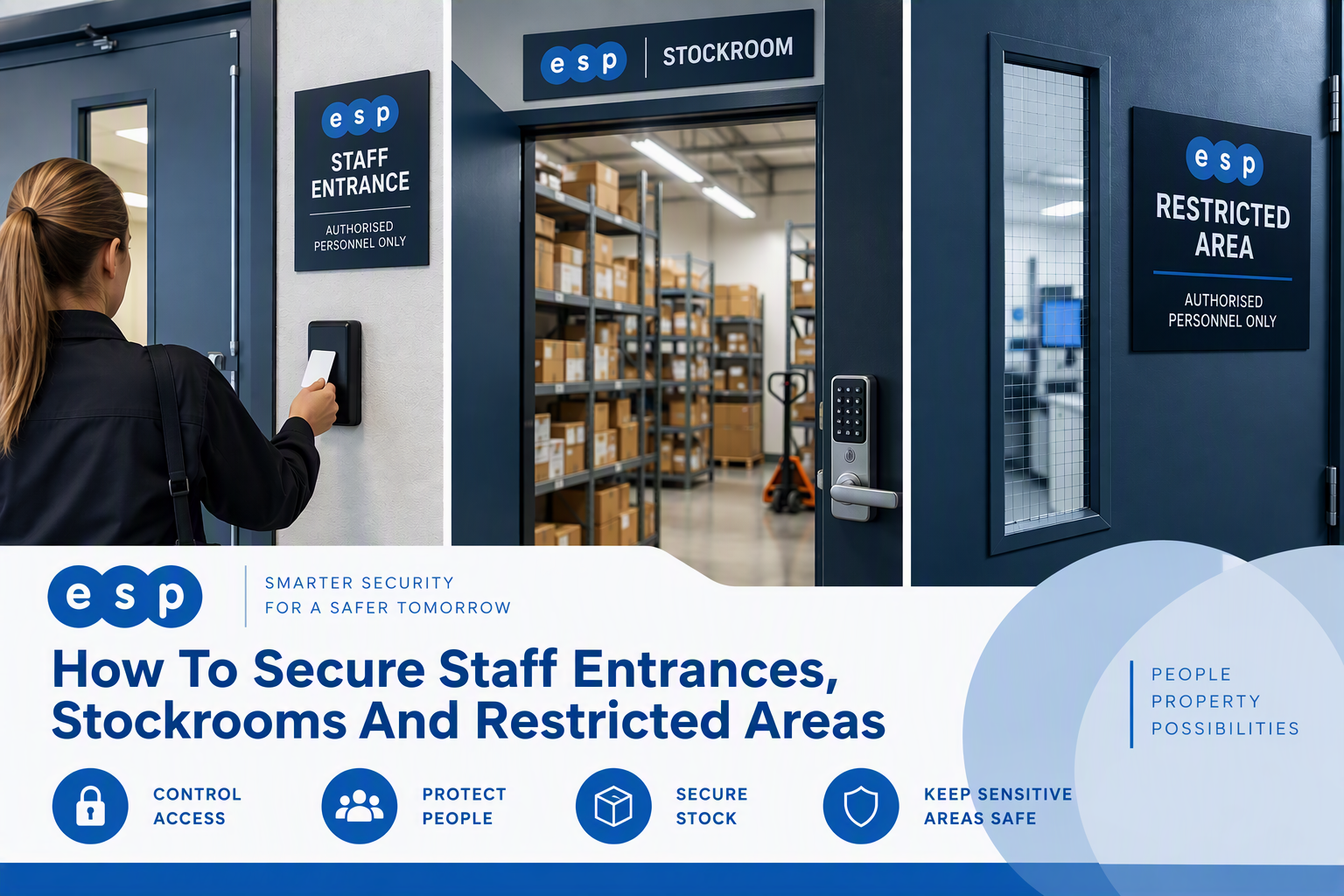
Access control helps manage who can enter a building, which doors they can use and which areas should remain restricted. This is especially useful for staff entrances, stockrooms, offices, server rooms, plant rooms, warehouses and shared commercial buildings.
Electronic Security Protection installs and supports Paxton Net2 access control systems, including cards, fobs, PIN readers, electronic locks, door controllers, permissions and audit trails.
Electronic access control is usually easier to manage than physical keys. Permissions can be changed when someone leaves, a contractor finishes a job or a staff member changes role. Audit trails can also help show when a door was used and which credential was presented.
Intruder Detection And Alarm Planning
Intruder detection should be considered as part of the wider security plan, even where another specialist supplies the alarm system. Door contacts, movement sensors and alert procedures can help detect unauthorised activity after hours.
The important question is not simply whether the alarm sounds. The business should know who receives the alert, who verifies it, who attends site and what happens if a keyholder is unavailable.
For higher-risk sites, alarm planning should be considered alongside CCTV and access control. A triggered alarm is more useful when the business can quickly check the relevant camera view, understand which door or area was involved and follow an agreed response process.
Secure Entrances, Staff Doors And Loading Areas
Physical security still matters. External doors, staff entrances, roller shutters, loading bays, windows, gates and internal restricted doors should be checked for obvious weaknesses.
Look for doors that do not close properly, damaged frames, poorly lit entrances, side doors hidden from view and loading areas where people and vehicles cross paths. Security improvements should not create new safety risks. HSE guidance explains that vehicle routes must be kept far enough away from doors and pedestrian routes where safety could be affected.
Perimeter Security, Lighting And Car Parks
For many commercial premises, the first security risk starts outside the building. Fencing, gates, lighting, car park layout, yard access and external CCTV all affect how exposed the site feels.
Electronic Security Protection has also covered CCTV for car parks, which is especially relevant where staff, visitors, customers or vehicles are on site outside normal office hours.
Data Cabling And Network Infrastructure
Modern security systems often depend on the network behind them. IP cameras, access control readers, door controllers, recorders, intercoms, wireless access points and digital displays may all need cabling, switches and cabinet space.
Electronic Security Protection provides structured data cabling for commercial premises, including Cat5e, Cat6, Cat6A and fibre optic cabling. Planning cabling early helps avoid messy installations and makes systems easier to support later.
Wireless Links And Multi-Building Sites
Some businesses need to connect separate buildings, yards, gates, outbuildings or remote camera positions. Where physical cabling is difficult or disruptive, a point-to-point wireless link may be a practical option.
Fire Safety And Life Safety Considerations
Commercial security should not be planned in isolation from fire safety and life safety. Door security, access control, visitor routes and emergency exits must be designed so people can leave safely in an emergency.
Government guidance on workplace fire safety says the responsible person must carry out and regularly review a fire risk assessment for the premises. GOV.UK explains the fire risk assessment responsibilities for workplaces.
Network Security For Connected Devices
Cameras, access control software, recorders and remote-viewing tools are part of the wider business network. They should be configured securely and managed properly.
Basic measures include changing default passwords, controlling admin access, keeping software updated and separating security devices from guest Wi-Fi where appropriate. The NCSC network security fundamentals guidance highlights the importance of understanding network architecture and protecting connected systems.
Monitoring, Maintenance And Procedures
A commercial security system should have clear procedures behind it. Staff need to know how to report an incident, who can review footage, who manages access permissions and what happens when an alarm or alert is triggered.
Schedule regular reviews so the system keeps matching the building. This is especially important after staff changes, office moves, refurbishments, new stock areas or changes to opening hours.
Commercial Security System Checklist
- Site risks, assets and vulnerable areas reviewed
- CCTV planned around entrances, yards, stockrooms and blind spots
- Access control considered for staff doors and restricted spaces
- Intruder detection and response procedures agreed
- External doors, loading bays, gates and windows checked
- Lighting reviewed around entrances, car parks and yards
- Data cabling, switches and network cabinets planned early
- Wireless links considered for separate buildings or remote areas
- Fire exits and life safety requirements protected
- Connected devices configured with network security in mind
- Maintenance, permissions and incident procedures reviewed regularly
Commercial Security System FAQs
What are the main parts of a commercial security system?
The main parts usually include CCTV, access control, intruder detection, secure doors, lighting, perimeter protection, data cabling, monitoring, maintenance and clear staff procedures.
Does every business need CCTV?
Not every business needs the same level of CCTV, but many commercial premises benefit from cameras around entrances, stock areas, yards, car parks or other higher-risk spaces.
Why is access control important for businesses?
Access control helps manage who can enter the building and which areas they can use. It can also provide audit trails that are useful when reviewing incidents or permissions.
Should security systems be planned with data cabling?
Yes. Many modern CCTV and access control systems rely on structured cabling, switches and network cabinets. Planning this early helps avoid duplicated work and makes the system easier to support.
Can Electronic Security Protection help plan a commercial security system?
Yes. Electronic Security Protection can help with commercial CCTV, Paxton Net2 access control, structured cabling, wireless links and the network infrastructure needed to support connected security systems.
Talk To Electronic Security Protection About Commercial Security
A good commercial security system is not just a list of products. It is a coordinated plan that reflects your premises, people, risks and day-to-day operations.
Electronic Security Protection can help businesses plan and install CCTV, Paxton Net2 access control, data cabling, network equipment and wireless links for offices, warehouses, workshops, retail premises and commercial buildings.
Call 0330 2020118 or contact Electronic Security Protection to discuss your premises and request a quotation.