
A comms cabinet is a secure cabinet or rack used to house network equipment, patch panels, switches, routers, cabling and other connected devices in one organised place. Your business may need one if your network equipment is exposed, untidy, difficult to maintain, overheating, or supporting important systems such as phones, Wi-Fi, CCTV and access control.
That is the direct answer. A comms cabinet is not just a tidy storage box for IT equipment. It helps protect the infrastructure your business relies on every day. If your cables are tangled in a cupboard, switches are sitting on shelves, or no one knows which cable serves which desk, camera or access point, a properly planned cabinet can make the network easier to manage and support.
Electronic Security Protection helps businesses plan and install the cabling, cabinets and network infrastructure that support day-to-day operations, security systems and future growth.
What Does A Comms Cabinet Do?
A comms cabinet brings the main parts of a business network together in one controlled location. This may include patch panels, network switches, routers, firewalls, power distribution units, CCTV recorders, fibre equipment and labelled cable connections.
The Simple Purpose
Instead of having equipment spread across desks, cupboards or ceiling spaces, the cabinet gives each item a proper place. It also creates a clearer route for future changes, such as adding desks, cameras, wireless access points or new access control equipment.
Why This Matters Day To Day
For many small and medium-sized businesses, the comms cabinet is the heart of the local network. If it is badly organised, poorly ventilated or insecure, the wider network can become harder to troubleshoot and more vulnerable to disruption.
Comms Cabinet, Data Cabinet Or Server Cabinet?
The terms are often used together, but they do not always mean exactly the same thing.
Comms And Data Cabinets
A comms cabinet or data cabinet is usually used for network cabling and communications equipment. It commonly holds patch panels, switches, firewalls and routers. Depending on the size, these are often wall mounted.
Server Cabinets
A server cabinet is normally designed for heavier server equipment, deeper devices, greater weight and more attention to airflow and power. Usually, server cabinets are floor standing because of their weight and depth.
What Most Businesses Actually Need
Many business premises do not need a dedicated server room or full server cabinet. They may simply need a wall-mounted or floor-standing comms cabinet that is sized correctly, ventilated properly and installed in a sensible location.
Why Businesses Need A Proper Cabinet
A comms cabinet helps with four practical issues: organisation, reliability, security and future support.
Organisation
Organisation matters because tidy cabling is easier to manage. When cables are labelled and patched properly, it is quicker to identify which connection serves a desk, phone, access point, camera or door controller. That can reduce time spent investigating faults. It also makes life easier if you gain a new employee and want to get them running more quickly.
Reliability
Reliability matters because network equipment needs a stable environment. Poor airflow, overloaded shelves, loose cables and badly placed equipment can all make faults more likely. Housing things in a purpose designed cabinet helps with this and allows you to focus air conditioning if it is required.
Security
Security matters because network equipment should not be easy for unauthorised people to unplug, move or interfere with. A lockable cabinet can help protect important devices from accidental damage and casual tampering by staff or by malicious parties.
What Equipment Goes In A Comms Cabinet?
The exact contents depend on the site, but a business comms cabinet may include:
- Patch panels for structured network cabling
- Network switches for desks, phones, access points and cameras to talk to each other
- Routers, firewalls or internet equipment that secures and controls access to the internet
- Power distribution units that controls power to the devices
- Fibre optic termination equipment that connects one cabinet or switch to another
- CCTV recorders or related network hardware that helps with site security
- Access control controllers or supporting network equipment that help with site security
- Cable management bars, trays and labels to keep things tidy
Structured Cabling Equipment
Electronic Security Protection provides structured data cabling for commercial premises, including Cat5e, Cat6, Cat6A and fibre optic cabling. A cabinet is often the point where those cable runs are terminated, tested, labelled and connected to the wider network.
Patch Panels And Labels
Patch panels and labels make it easier to identify where connections go. This is especially useful when desks are moved, new network points are added or engineers need to fault-find quickly.
How A Cabinet Supports CCTV And Access Control
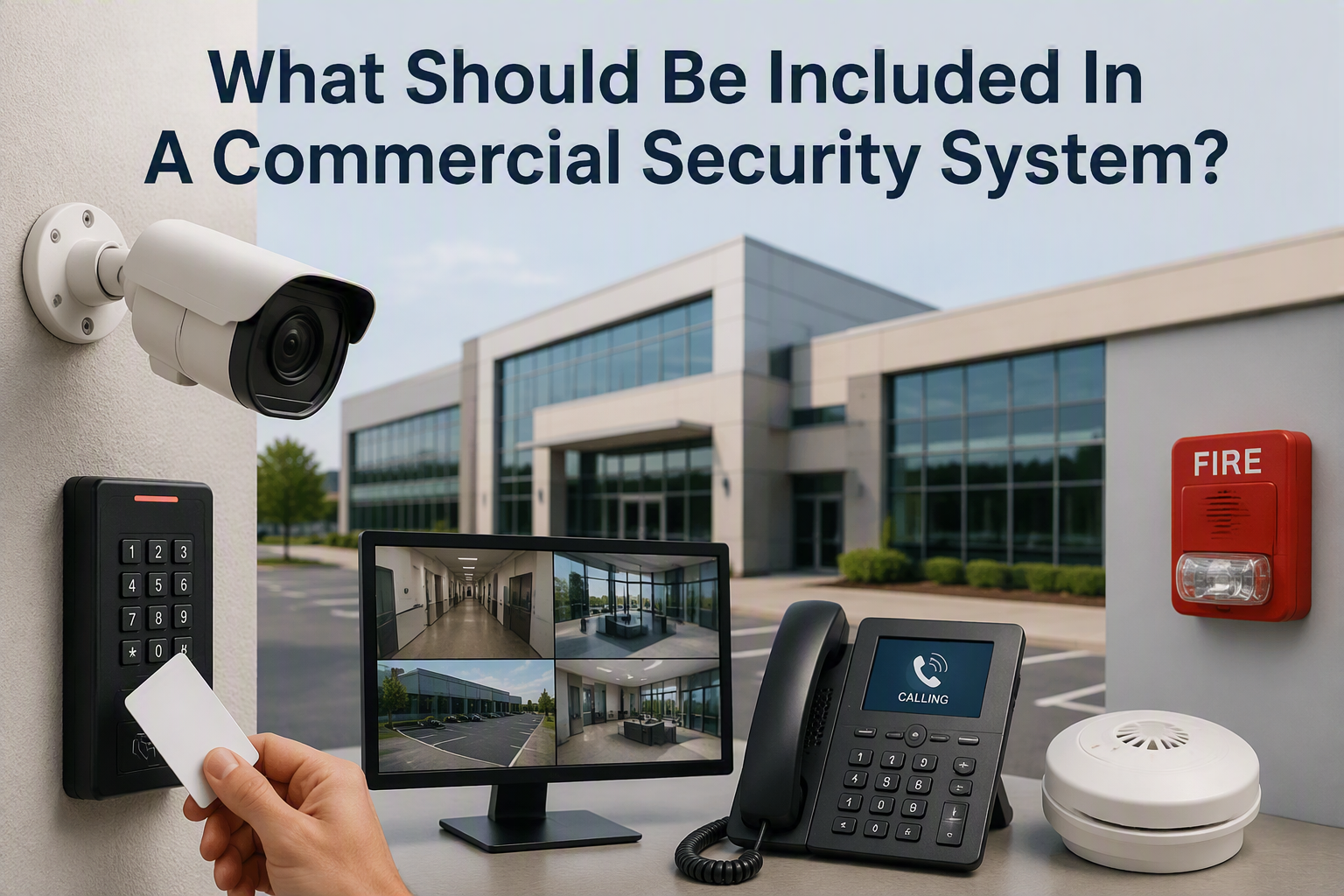
Modern commercial security systems often depend on network infrastructure. IP cameras, network video recorders, access control readers, door controllers, intercoms and wireless access points may all need reliable cabling and network equipment. It’s much easier to control and amend things when the CCTV solution is in the same place as everything else that sits on the network.
Support For CCTV Systems
For example, a business CCTV system may need network switches, recorder space, labelled camera connections and secure remote access. Thinking about the cabinet early helps avoid problems later.
Support For Access Control
A Paxton Net2 access control system may also need controllers, cabling and reliable network planning. If the comms cabinet is badly planned, later security upgrades can become messy.
Avoiding Future Upgrade Problems
There may not be enough cabinet space, switch capacity, power, cable management or clear labelling if future systems are not considered early. That can make the installation harder to maintain.
How do I Choose The Right Size Cabinet?
Cabinet size is normally measured in rack units, often shortened to U. The right size depends on the amount of equipment being installed now and the realistic room needed for future expansion. Usually a network switch or firewall will be 1U each, similarly with patch panels and tidy bars. CCTV Systems are usually 2U, 3U or 4U in height. To choose the right sized cabinet, count all of the devices that are going into the cabinet in terms of a number of U, then select the appropriate sized choice.
Allow Space For Growth
A very small cabinet may look neat at first, but it can quickly become cramped when extra switches, patch panels, CCTV equipment or access control hardware are added. A cabinet that is too large may waste space in a small office or stockroom.
A Practical Sizing Rule
List the equipment, allow space for cable management, consider power and ventilation, and leave some spare capacity. A cabinet should be easy to work in, not packed so tightly that every future change becomes difficult. Data Cabinets usually come in 6U, 9U, 12U, 15U sizes (at least the wall mounted versions). Server cabinets (or larger data cabinets) can be found in 12U, 15U, 18U and all the way up to 40U as standard (and larger if required).
Where Should A Comms Cabinet Be Located?
The best location is secure, dry, accessible for maintenance and suitable for cable routes. It should not be placed somewhere that is likely to become blocked by stock, cleaning equipment, furniture or day-to-day activity. In an ideal world, it should be in a central location to the building.
Location Risks To Avoid
Avoid areas with obvious risks from heat, damp, dust, accidental impact or unauthorised access. The cabinet also needs suitable power and enough surrounding space for engineers to work safely.
Temperature And Ventilation
Temperature and ventilation should be considered. HSE guidance on workplace temperature explains that employers should manage reasonable working temperatures and ventilation for work areas. For a comms area, the practical point is to avoid trapping equipment in hot, unventilated spaces where faults may become more likely.
Cable Management And Labelling
Cable management is one of the biggest advantages of a proper cabinet. Patch panels, cable bars and labels make the system easier to understand and support.
What Good Labelling Should Show
Good labelling should make it clear where a cable starts, where it ends and what it serves. This is useful for office desks, Wi-Fi access points, CCTV cameras, door controllers, printers, phones and other connected equipment. A good labelling routine for example might include a Floor Number, Room Number and Socket number such as F02R03S15.
Useful Background For Non-Technical Buyers
Electronic Security Protection has also covered what an IT network is, which is useful background for businesses trying to understand how cabling, switches and connected systems fit together.
Security For Network Equipment
Network equipment should be treated as business-critical infrastructure. A switch, router or recorder being unplugged can affect phones, internet access, CCTV, access control or other important systems and cause down time across your business, which in turn costs money.
Physical Security
A lockable cabinet can help limit casual access and reduce the risk of accidental unplugging, damage or tampering. The cabinet location should also be controlled so it is not accessible to visitors or unauthorised staff. Sometimes, ESP installs an alarm on particularly sensitive data cabinets, to alert management in the event of unauthorized access.
Digital Security
Default passwords should be changed, admin access should be controlled and equipment should be kept updated where updates are available.
NCSC Device Security Advice
The NCSC advises organisations to use strong passwords and keep devices updated. That principle applies to network equipment and connected security devices as well as computers and phones.
Planning For Growth
A cabinet should be planned around what the business needs now and what it is likely to need next. This could include more desks, extra meeting rooms, additional CCTV cameras, access control, Wi-Fi improvements or a second building.
Future Network And Security Additions
For some sites, a point-to-point wireless link may connect a separate building or remote camera position back to the main network. For others, a comms room refresh may be needed if the existing cabinet, cabling or network equipment has grown untidy over time.
When A Refresh May Be Needed
For more on that, see the guide to why a comms room refresh is a smart investment for multi-site organisations.
Signs Your Current Setup Needs Improving
- Network switches are loose, stacked or sitting on shelves
- Cables are tangled, unlabelled or difficult to trace
- No one knows which port serves which desk or device
- The cabinet is full, hot, dusty or hard to access
- CCTV, Wi-Fi or access control upgrades are being added in stages
- Fault finding takes too long because the setup is unclear
- The cabinet is in an insecure or unsuitable location
Comms Cabinet FAQs
What is a comms cabinet?
A comms cabinet is a secure cabinet or rack used to house network equipment, patch panels, switches, routers, cabling and other connected devices in one organised place.
Does every business need a comms cabinet?
Not every business needs a large cabinet, but most commercial premises with structured cabling, network switches, CCTV, access control or business Wi-Fi benefit from a properly organised cabinet.
What size comms cabinet does my business need?
The right size depends on the equipment, cable count, power needs, ventilation and future expansion. It is better to allow sensible spare capacity than to fill the cabinet from day one.
Can a comms cabinet support CCTV and access control?
Yes. Many CCTV and access control systems rely on cabling, switches, recorders, controllers and other network equipment that may be housed in or connected through the comms cabinet.
Can Electronic Security Protection install data cabinets and cabling?
Yes. Electronic Security Protection can help plan and install structured cabling, data cabinets, network equipment, CCTV, access control and wireless links for commercial premises.
Talk To Electronic Security Protection About Comms Cabinets
A comms cabinet may look like a small part of the building, but it supports the systems your business relies on every day. When it is planned properly, your network is easier to manage, easier to expand and easier to support.
Call 0330 2020118 or contact Electronic Security Protection to discuss data cabling, comms cabinets and network infrastructure for your premises.