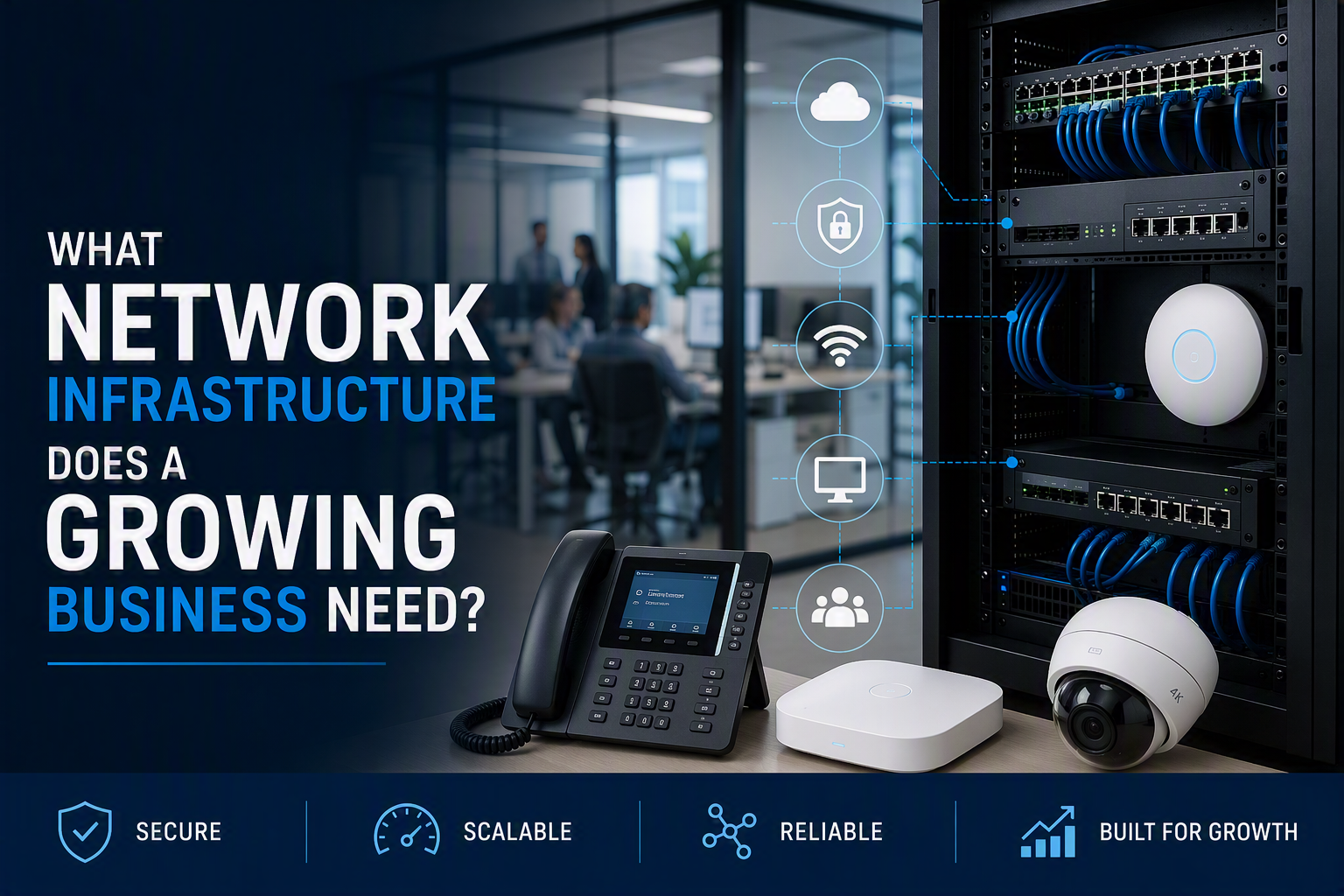
For a growing business, the most important network infrastructure is the foundation that keeps people, systems and sites connected: structured data cabling, reliable switches and routers, secure firewalls, business Wi-Fi, cloud services, backups, monitoring, CCTV, access control and enough capacity for future growth.
That is the direct answer. The practical answer is that growth puts pressure on systems you rarely notice until they slow down or fail. More staff means more laptops, phones, screens, printers and wireless devices. More cloud use means more reliance on stable internet connectivity. More sites mean more complexity. More security equipment means more demand on your network.
This guide explains what network infrastructure a growing business should plan first, what can wait, and how to avoid building a setup that only works for today.
Start With Your Current Network
Before buying new equipment, review what you already have. A growing business often inherits a mixture of old cabling, consumer-grade routers, unmanaged switches, weak Wi-Fi and undocumented changes made over several years.
Start by listing the devices, systems and services your organisation depends on. Include computers, VoIP phones, printers, servers, cloud applications, wireless access points, CCTV cameras, access control equipment and any specialist hardware.
Then look for obvious pressure points. Are staff complaining about slow Wi-Fi? Are video calls dropping? Is the data cabinet untidy? Are old switches running out of ports? Are cloud applications slow at busy times? These symptoms help show where infrastructure needs attention first.
Plan Structured Data Cabling First
Structured data cabling is the physical backbone of the network. It connects desks, Wi-Fi access points, CCTV cameras, access control readers, printers, phones and other equipment back to the main network cabinet.
For growing businesses, cabling should be planned around both current use and future expansion. That means allowing enough network points for desks, meeting rooms, shared equipment, wireless access points, screens and security systems.
ESP Projects provides structured network cabling services, including Cat5e, Cat6, Cat6A and fibre optic cabling. Cat6 is commonly used for modern business networks, while Cat6A may be suitable where higher bandwidth or longer-term capacity is needed. Fibre optic cabling can also connect separate floors, buildings or data cabinets over longer distances.
If your business is moving premises or refitting an office, plan cabling before ceilings, walls and floors are closed. Retrofitting network points later is usually more disruptive and more expensive than allowing for growth at the start.
Choose The Right Network Equipment
Cabling gives you the foundation, but switches, routers and firewalls control how traffic moves through the business. As an organisation grows, basic equipment can become a bottleneck.
Managed switches are useful because they give better control over network traffic, connected devices and future changes. Routers and firewalls should be suitable for the number of users, internet connections, cloud services and security requirements involved.
A growing business should also think about spare capacity. If every switch port is already in use, the network has no room for new desks, access points, cameras or phones. Leaving space for additional devices makes expansion easier.
Build Business Wi-Fi Properly
Wi-Fi is often where staff notice problems first. A single router may be enough for a small office, but it rarely suits a growing business with multiple rooms, meeting spaces, warehouses or busy shared areas.
Business Wi-Fi should usually be built using planned wireless access points connected back to the wired network. Their position should be based on the building layout, walls, user density and where devices are actually used.
Where separate buildings need to share the same network and a physical cable is not practical, a point-to-point wireless link may provide an effective connection. This can be useful for yards, workshops, warehouses, gatehouses and multi-building premises.
Include CCTV And Access Control Early
Network infrastructure is no longer just about computers. Modern CCTV and access control systems often rely on the same cabling, switches, cabinets and internet connectivity as the rest of the business.
Planning these systems early helps avoid duplicated work. If cameras, door controllers and access points are added after the network has been installed, you may need extra cable routes, more switch ports or a larger cabinet.
ESP Projects installs commercial CCTV systems and Paxton Net2 access control systems. Planning them alongside the network means camera locations, door access points, recording equipment and data routes can be considered together.
If CCTV is used at your premises, remember that UK data protection rules may apply. The ICO provides guidance on CCTV and video surveillance, including how organisations should assess and manage compliance.
Think About Cloud Services And Internet Resilience
As businesses grow, more systems move into the cloud. Email, file storage, backups, accounts software, CRM systems and line-of-business applications may all depend on reliable internet access.
Cloud services can reduce the need for onsite servers, but they increase the importance of connectivity, security and access control. If the internet connection fails, staff may lose access to key systems.
Consider whether your business needs backup internet connectivity, stronger firewall rules, multi-factor authentication and a clear backup strategy. The National Cyber Security Centre has guidance on cloud security principles that can help organisations think about how cloud services should protect data and remain resilient.
Protect The Network From The Start
Security should not be added after everything else. Every new laptop, phone, camera, access point and cloud account creates another thing to manage and protect.
Important network security measures include strong firewall configuration, multi-factor authentication, secure passwords, regular updates, reliable backups and clear user permissions. Businesses should also separate guest Wi-Fi from internal systems and limit access to sensitive areas of the network.
The NCSC’s small organisations guide to cyber security gives practical advice on protecting accounts, devices, data and backups. It is a useful starting point for businesses that want to improve security without overcomplicating things.
Monitor And Maintain The Infrastructure
A network is not finished on installation day. As the business grows, equipment ages, users change, software updates are needed and new devices are added.
Regular reviews help identify issues before they become business problems. Check switch capacity, Wi-Fi performance, firewall rules, backup status, cabling condition and whether old equipment is approaching replacement.
Monitoring also helps spot patterns. If internet usage spikes at certain times, if one area has weak wireless coverage or if a switch is close to capacity, you can plan upgrades before staff are affected.
Allow For Future Staff, Sites And Devices
Growing businesses should avoid designing infrastructure only for the current team. Think about where the organisation might be in two to five years. Will you add more desks? Open another unit? Move more systems to the cloud? Add CCTV cameras, access control or digital screens?
Future capacity might include spare cabinet space, additional patch panel capacity, extra switch ports, fibre links between buildings, better wireless coverage or a network design that can support additional sites.
You do not need to buy everything immediately, but you should avoid installing infrastructure that blocks future expansion.
Common Infrastructure Mistakes To Avoid
- Relying on consumer-grade routers for a growing business network
- Installing too few network points during a fit-out
- Leaving no spare capacity in cabinets or switches
- Adding CCTV, access control and Wi-Fi without planning the cabling
- Using one access point to cover a large or awkward building
- Keeping old, unsupported network equipment in use for too long
- Failing to separate guest Wi-Fi from internal systems
- Not testing backups or documenting the network setup
Infrastructure Checklist For A Growing Business
- Current network equipment reviewed
- Structured data cabling planned around staff and devices
- Switches, routers and firewalls sized for growth
- Business Wi-Fi access points positioned properly
- CCTV and access control included in the network plan
- Cloud services and backups reviewed
- Security measures built in from the start
- Spare capacity allowed for future users and sites
- Monitoring and maintenance responsibilities agreed
FAQs
What is network infrastructure?
Network infrastructure is the combination of cabling, switches, routers, firewalls, Wi-Fi access points, cabinets, servers, cloud connections and security systems that allow business devices and applications to communicate.
What network infrastructure should a growing business prioritise first?
Start with the basics: structured cabling, reliable switches, business-grade Wi-Fi, a suitable firewall, backups and clear capacity planning. Once the foundation is stable, you can add more advanced systems as needed.
How does CCTV affect network infrastructure?
IP CCTV cameras need cabling, switch ports, recording equipment and network capacity. If CCTV is planned late, it may require additional cabling or cabinet changes, so it is better to include it early.
Does a growing business need fibre optic cabling?
Not always. Fibre optic cabling is most useful for longer distances, links between buildings, high-capacity backbones or environments where copper cabling is not suitable.
Talk To ESP Projects About Business Infrastructure
The right network infrastructure makes growth easier. It gives your staff reliable connectivity, supports cloud applications, protects security systems and leaves room for future expansion.
ESP Projects can help plan and install the infrastructure behind your growing business, including data cabling, business networking, Wi-Fi links, commercial CCTV and Paxton Net2 access control.
Call 0330 2020118 or contact ESP Projects to discuss your requirements and request a quotation.